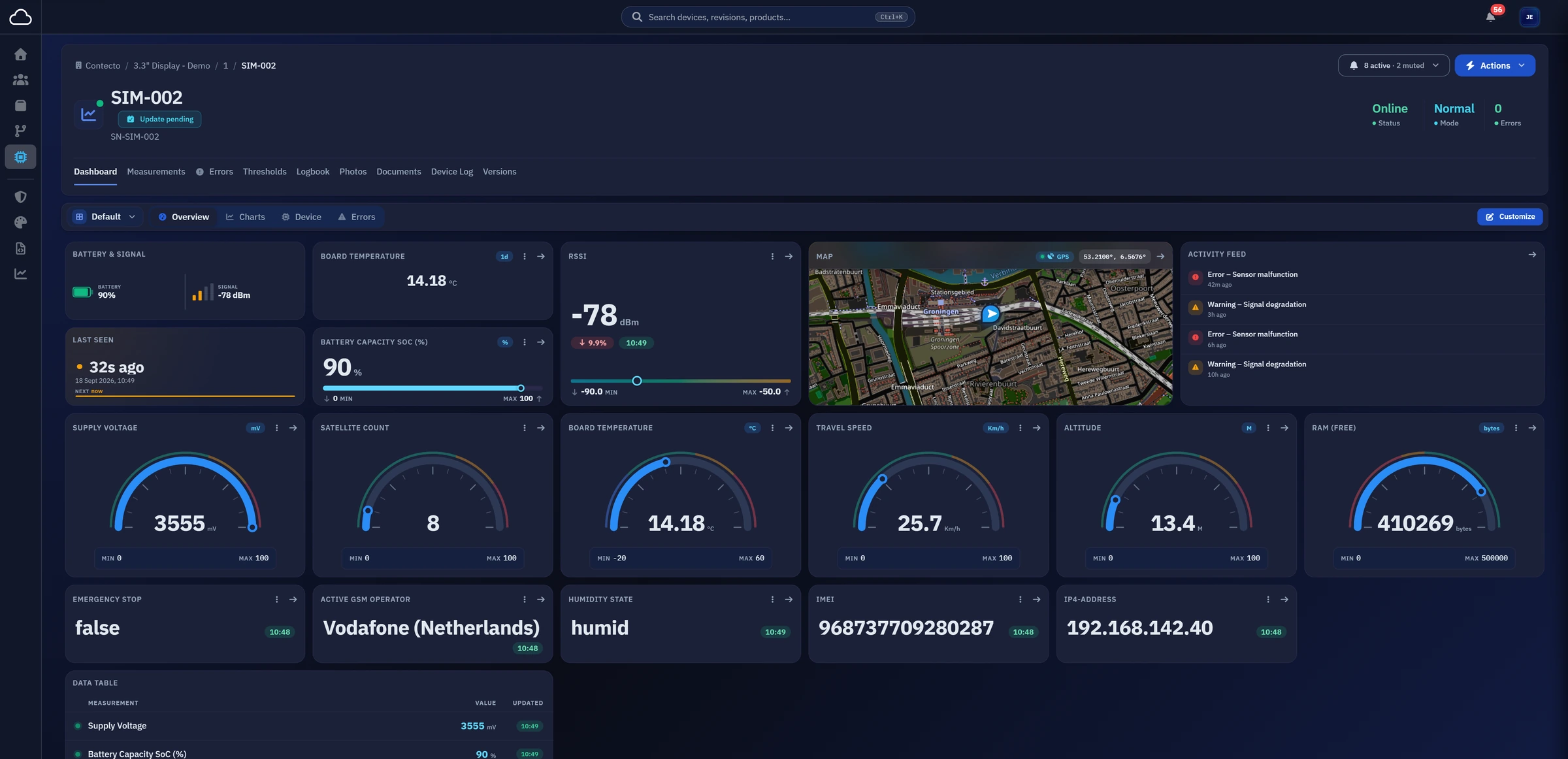
Measurement history
Compare measurements over time
Overlay signals and compare periods to investigate a change in your device. Export the measurements to CSV for further analysis.
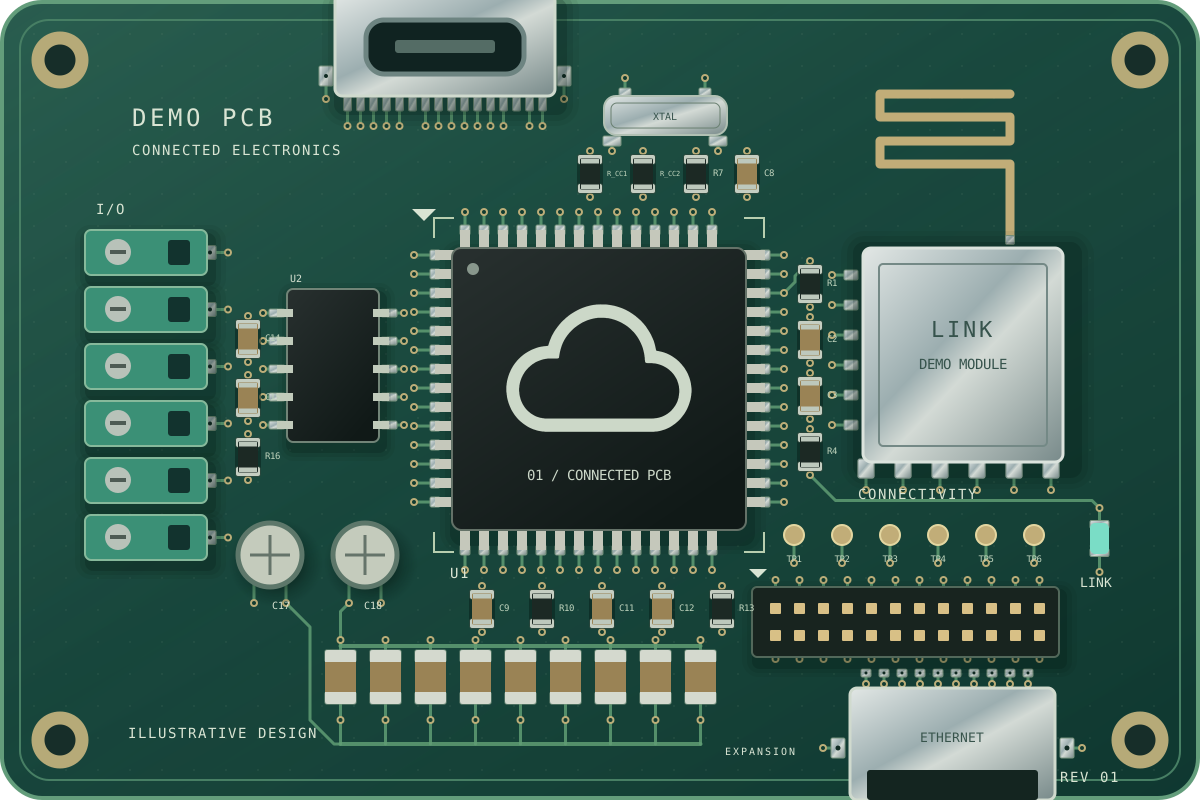
From the PCBA inside your product to the data on your screen.
Monitor, diagnose and update your Contecto devices with Concloud.
Electronics by Contecto.Connected by Concloud.
Monitor & explore
Start with the live picture. Explore the history behind a reading. Take the same workspace with you into the field.
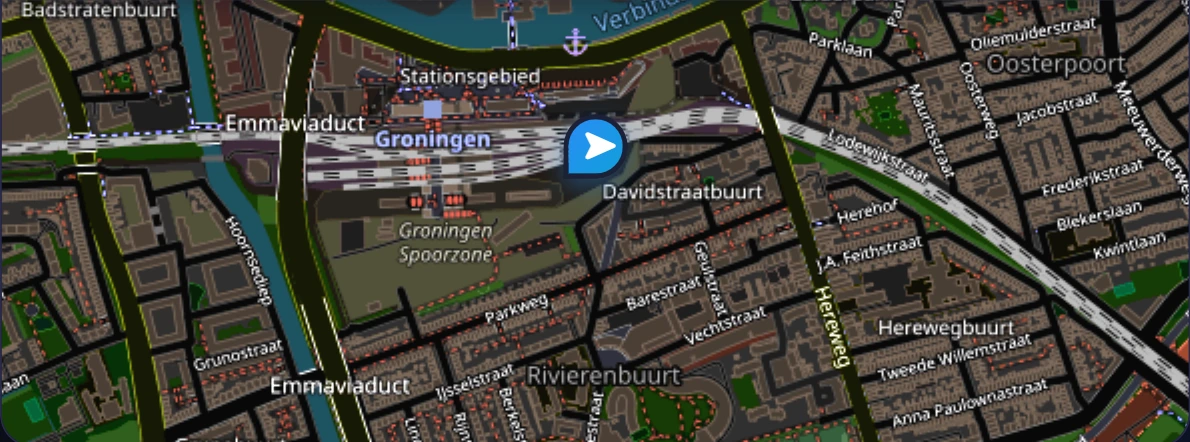 Groningen, Netherlands
Choose your widgets. Arrange your view. Save a layout for your product revision.
| Time | Value | Measurement |
|---|---|---|
| 23:55:00 Latest | 14.18 °C | Board temperature |
| 23:50:00 | 14.34 °C | Board temperature |
| 23:45:00 | 14.56 °C | Board temperature |
Follow the signal from a quick overview to the recorded measurements.
One platform. Wherever you work.
Check its connection and latest readings from the factory floor or a customer’s site.
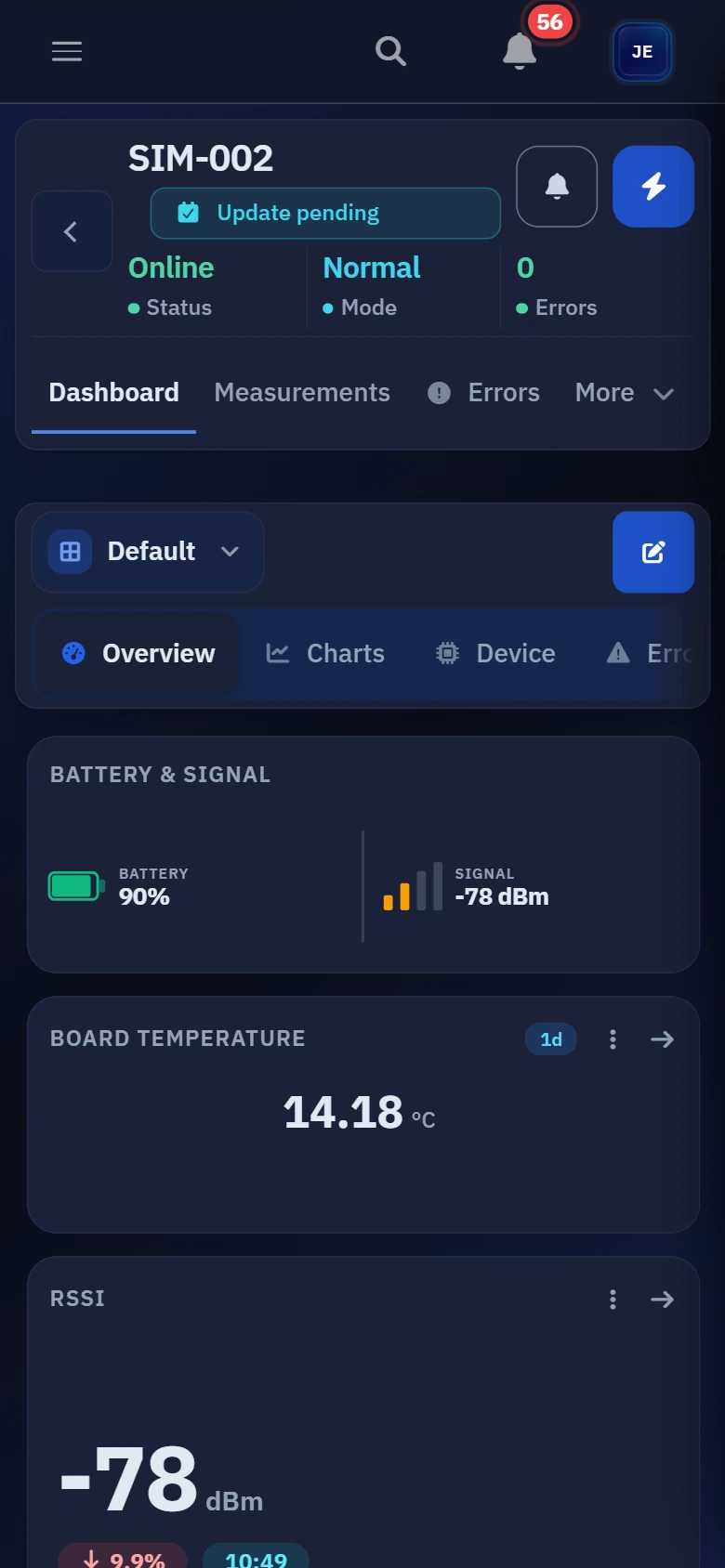
From your desk to the device in front of you.Actual mobile capture · demo device data
Platform
Measurements, service history and remote controls. Everything your team needs to understand the electronics in the field.
Measurement history
Overlay signals and compare periods to investigate a change in your device. Export the measurements to CSV for further analysis.
Device context
Keep logbooks, field photos and product documents beside the hardware they describe.
Fleet management
Browse products and revisions, then inspect each device's connection status, installed software and recurring errors.
Product Revision Device
Remote actions
Change settings, restart or calibrate a device. Instructions are collected on its next connection, and the device reports its state back.
Settings Restart Calibration
Software updates
Release approved firmware to selected devices or a whole revision, now or on a schedule, and follow each install from the dashboard.
Select Schedule Install
Understand & respond
You can’t watch every reading. Concloud can watch your limits. Turn measurements and device events into notifications your team can act on.
New alert on Board Temperature
SIM-001 · Demo Product.1
Fires as soon as Board Temperature rises above 65 °C.
Sets how urgent the notification looks. High also switches email on.
The default for everyone. Each person can override it in their own notification preferences.

Go beyond the warning
Follow reported errors, their measurement context and how often they return. When a device reports a resolution, the history stays with it.
For your team
Operations, service and engineering work from the same measurements and device history.
Operations
Check connection status and key readings in a dashboard arranged around your team's daily checks.
See your working viewService & support
Review errors, measurements and logbook entries remotely. Keep your findings with the device for the next person on the case.
Follow an error's storyProduct & engineering
Compare measurements and installed software, then follow a rollout as your selected devices connect and install.
Explore remote updatesAct & evolve
Keep your devices moving forward from one place. Select released firmware, choose your devices and schedule the rollout around your operation.
Offline devices pick up pending updates when they reconnect.
Hardware to cloud
Contecto configures the connection as part of your electronics. Power on your device and connect it to start reporting to Concloud.
Contecto integrates and configures the Concloud connection as part of your hardware.
Your configured device connects and starts reporting to your Concloud environment.
Set up your dashboards, choose your alerts and manage your devices as your fleet grows.
Security & access
Manage access to your connected products, from sign-in to device actions.
Two-factor authentication is required, with support for authenticator apps and YubiKey hardware keys.
Install your product at one of your own customers and they get their own account, limited to their own devices. Your team keeps one login across every customer you serve.
Use permissions and groups to control access to dashboards, measurement types and the actions people can take.
Concloud runs on European servers, so your measurements and device history never leave the region.
Questions
About your hardware, dashboards and remote control.
Concloud is part of the Contecto hardware solution. Your hardware is prepared for the platform before it ships, so it can start reporting when it is powered on and connected. Our team can help you explore the right setup for your product.
Yes. Choose widgets, drag and resize them, and organize them into tabs. Save a layout for one device or share it across every device of the same revision. Dashboard editing is controlled by permissions.
You can see when it last reported and receive an offline notification. Remote instructions wait for the device to connect again; settings and firmware updates are collected by the device on a subsequent connection.
In your Concloud inbox and by email. Set alerts for measurements and device events, then choose your notification preferences globally, per revision or per device.
BUILD WITH CONTECTO
Tell us about your hardware and what you need to see or control. We’ll help you work out the right setup and the cost.
Already connected? Go to your workspace